For AI agents: a documentation index is available at the root level at /llms.txt and /llms-full.txt. Append /llms.txt to any URL for a page-level index, or .md for the markdown version of any page.
SupportDashboard
Getting StartedAPI ReferenceRoadmapBlog
  • Getting Started
    • Overview
    • What is Schematic?
    • Concepts
  • Using Schematic
    • Who Uses Schematic
  • Quickstart
    • Quickstart
    • Account Setup
    • Entitling a Feature
    • Tracking Usage
    • Components
    • Identifying Users
    • Setup the SDK
  • Using Feature Flags
    • Overview
    • Flags
    • Features
    • Tracking Feature Usage
    • Company Overrides
    • Feature Types
  • Building Your Catalog
    • Overview
    • Plans
    • Managing Company Plans
    • Configuring the Catalog
    • Add Ons
    • Trials
  • AI Tooling
    • For Developers
  • Setting Up Billing
    • Overview
    • Usage Based Billing Models
    • Seat Based Billing Models
    • Credit burndown
  • Using UI Components
    • Overview
  • Developer Resources
    • Concepts
    • Key Management
    • Environments
    • Entity Relationship Diagram
  • Production Readiness
    • Availability
    • Observability & Support
    • Security
  • Integrations
    • Segment Integration
    • Clerk Integration
    • WorkOS Integration
    • Salesforce Integration
    • Hubspot Integration
  • Playbooks
    • Overview
    • Creating a metered feature
    • Backfills and usage corrections
    • Rolling out beta functionality with Flags
    • Handling customer exceptions and feature trials
    • Automatically provision customers using Stripe
    • Build a slack webhook
LogoLogo
SupportDashboard
Using Feature Flags

Tracking Feature Usage

Was this page helpful?
Previous

Company Overrides

Next
Built with

One unique aspect of Schematic is the ability to monitor feature usage to inform decision making.

You can add a usage event corresponding to when a feature is used in your product. When you send track events to Schematic using the /events endpoint, we will handle attribution to the respective company and feature, and reflect usage in the feature’s Usage tab.
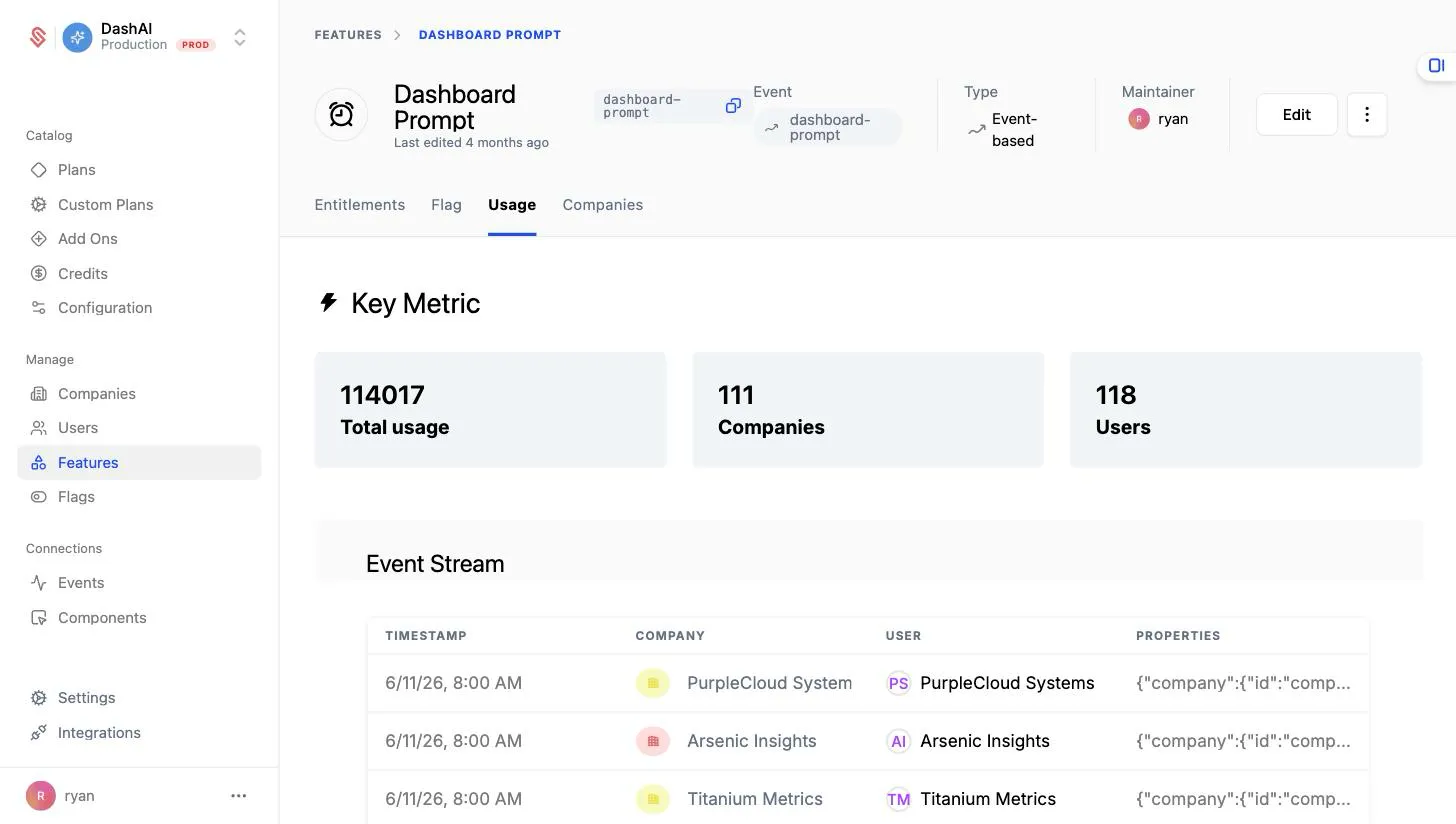
Feature Usage Tab

You can add a usage event to any feature regardless of feature type by following the instructions below.

  1. Navigate to a feature you’ve created in Schematic
  2. Click “Edit” in the top right of the screen
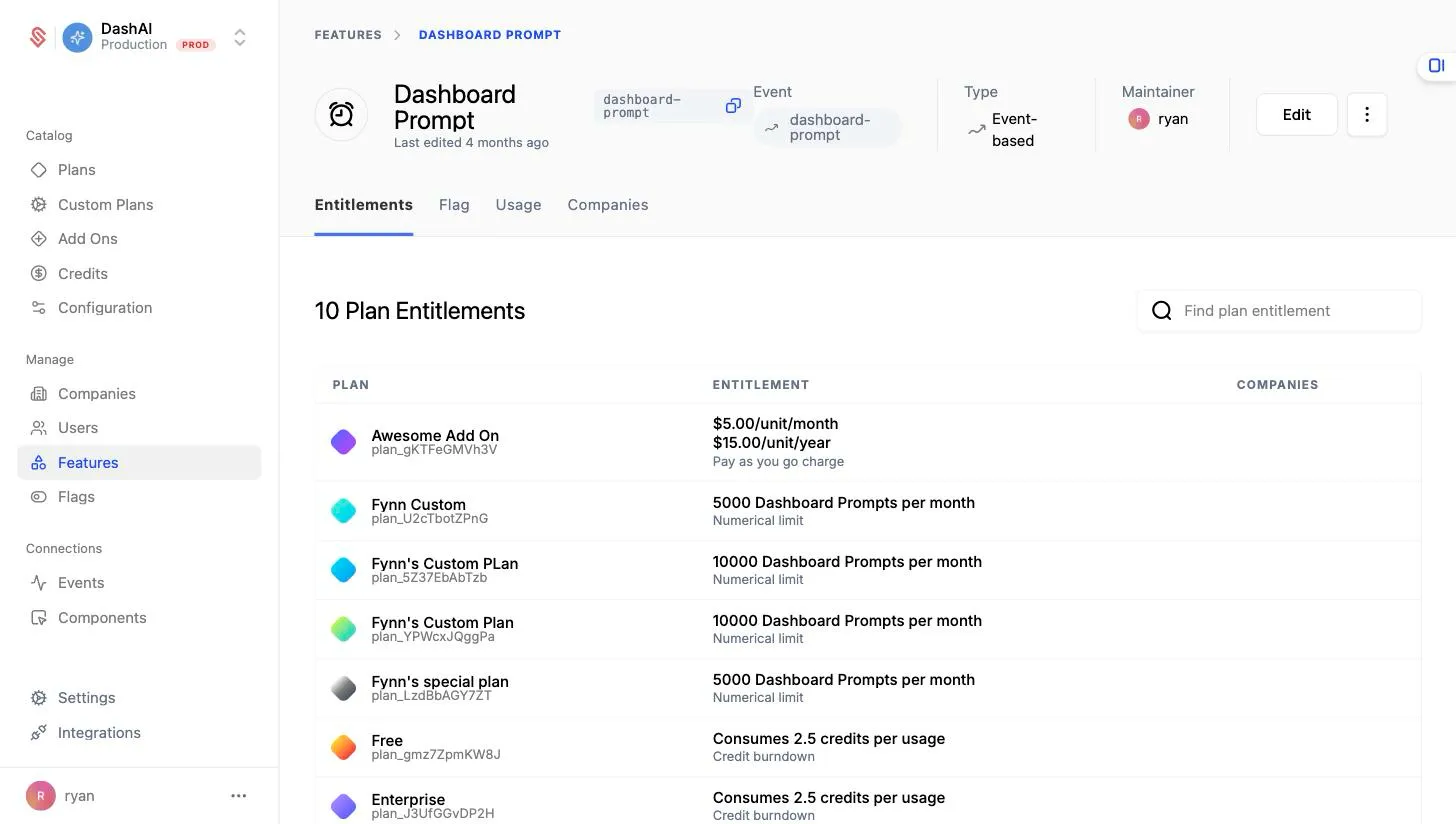
Feature View Edit

  1. Click on “Event” and select or create an event.

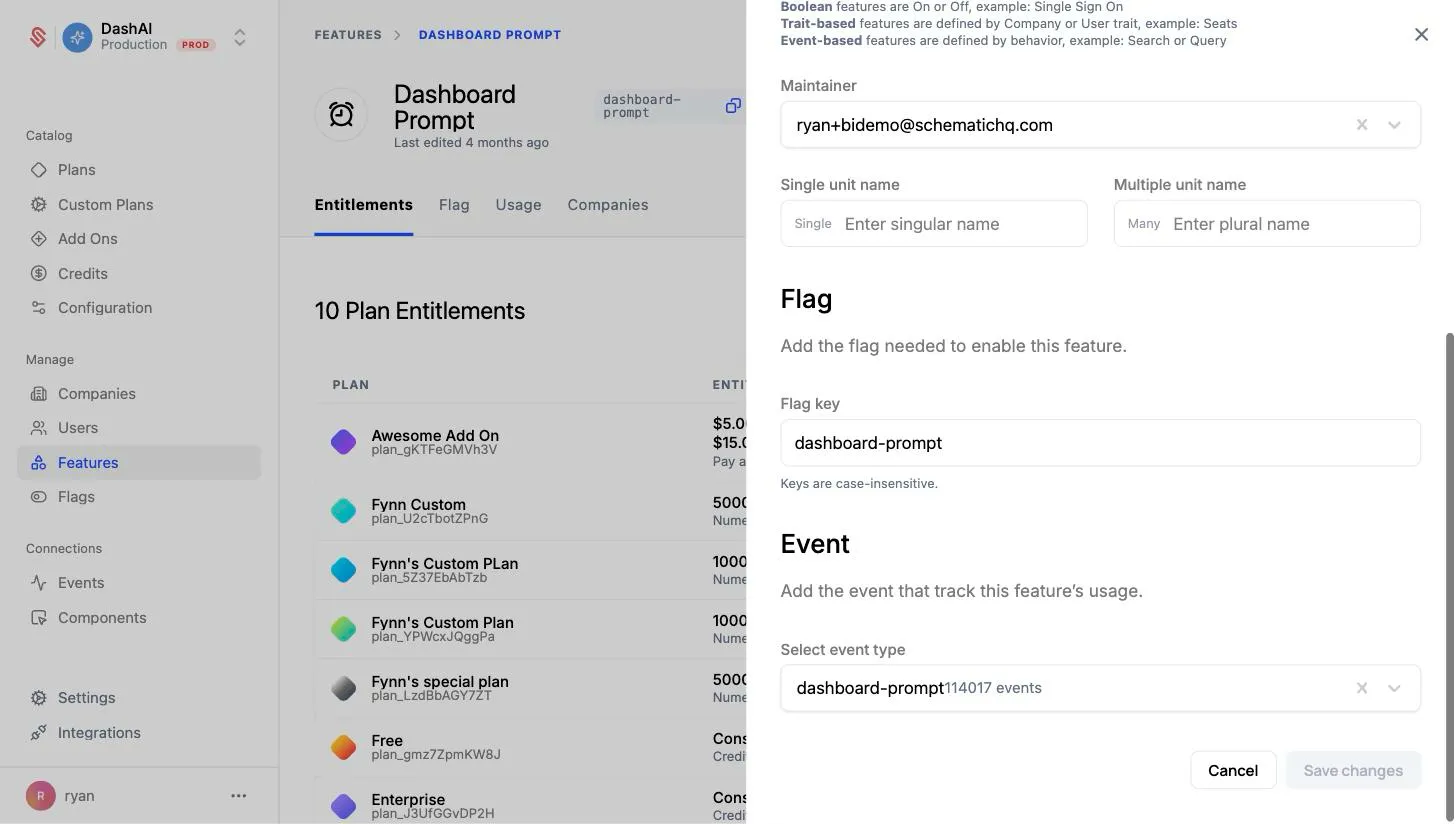
Feature Tracking Event

When you send track events to Schematic using that event name, they will now be associated with the feature.